

Technology has become an integral part of everyday life. We use smartphones to make calls, send messages, take photos, bank, shop, use maps, do video calls and even read menus at the café. For many older women, though, these tiny screens can be a giant jigsaw puzzle. This is a problem that is presented in an amusing and endearing manner in these old age comics. There is no laughing at the elderly, just laughing with them. In each comic, there is one instance where grandma is trying to use her phone, but the phone acts up like a bad little toy.
Smartphone and Technology
This blog is for those that are old, have smartphones, are confused and are aware. Many seniors have actual issues with password, phone updates, Face ID, voice messages, incorrect emoji, on-line shopping, and notifications. The funny grandma tech comics remind us that as we grow older, we need patience, simplicity and love. A small lesson in a light way is delivered in each comic. It encourages families to assist their mothers, grandmothers, aunties and senior friends with technology without them feeling embarrassed.
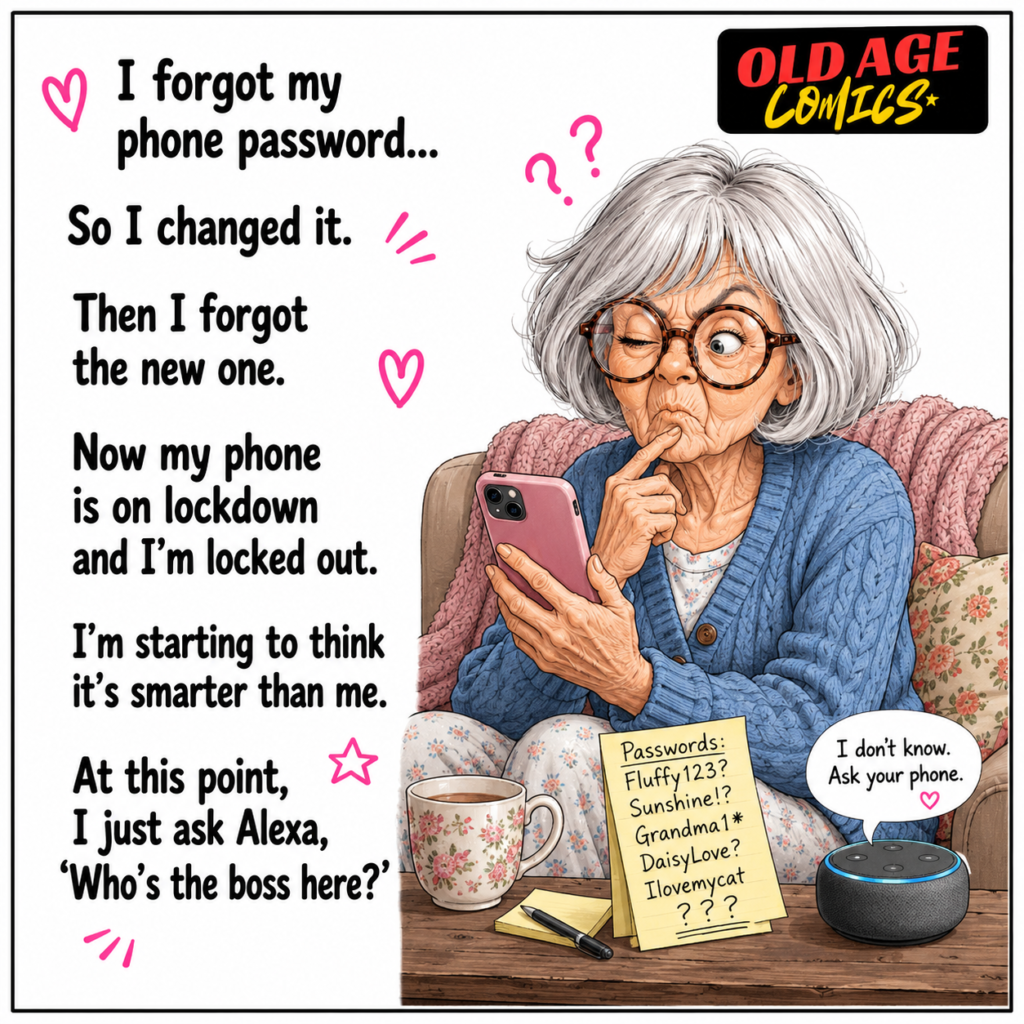
#1. Forgot her phone password and now even Alexa cannot help her
The blog starts with grandma forgetting her phone password. She changes the password and then forgets it again. Her cell phone is locked and now she feels like the phone is smarter than her! This comic is funny in that many people, not just seniors, forget their passwords. For older women, however, too many passwords can be very confusing. This comic helps raise awareness for seniors to keep their passwords in a simple notebook, use easy recovery, and reach out to a trusted family member when necessary.
#2. Asks the phone for help, but the phone has its own funny plans
In the following comic, grandma is speaking with her phone, and the voice assistant doesn’t understand anything she says. She wants to call her daughter and the phone rings TikTok. She inquires about the weather, but it demands slippers. Funny thing about voice assistants is that they tend to mishear words, particularly when someone is slow, soft or accented. The perception here is straightforward: Progressively teach seniors basic voice control commands. Setting up contacts, emergency calls and the actions that are common in your family can also be helpful.

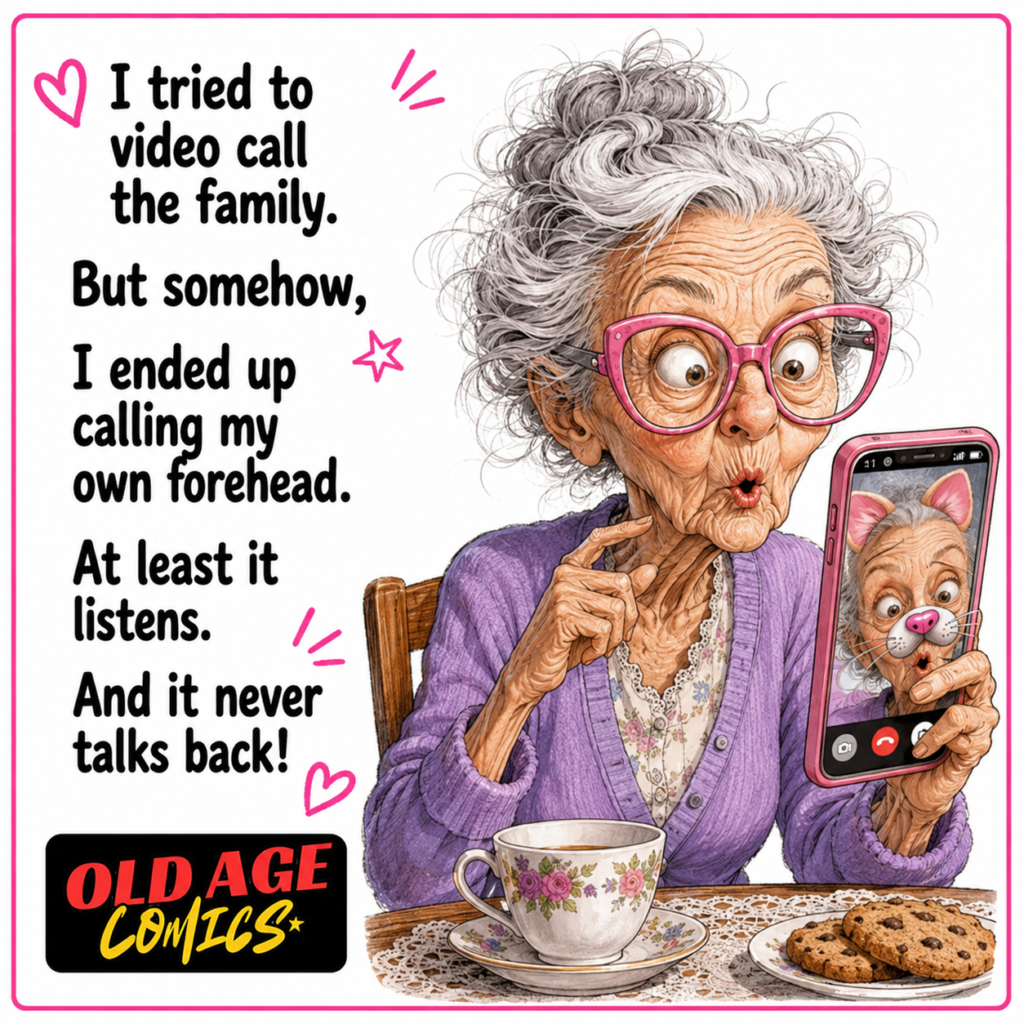
#3. Tries a family video call but ends up calling her own forehead
Then Grandma attempts to make a video call to her family but instead calls her head. The angle of the phone camera is incorrect and she is unsure what everyone can see. The reason this comic is funny is that video calls are more common these days but camera buttons can be confusing for seniors. It provides awareness for elderly ladies on the location of the front camera, mute button and end call button. They can become less shy and more confident by having a small practice call with their family.
#4. Makes the text bigger, but her glasses are still working overtime
Another cartoon depicts grandma adjusting the size text again and again because it is too small. Finally a single message is written on the entire screen, and she still needs her glasses. Many people, older, have poor eyesight, hence the cuteness and relatability of this comic. The message of awareness is crucial is that smartphones need to be adjusted for seniors. Phones can be easier to use with bigger fonts, high brightness, a simple display mode, and voice reading. Technology should not strain the eyes of the elderly, it’s job is to help them.

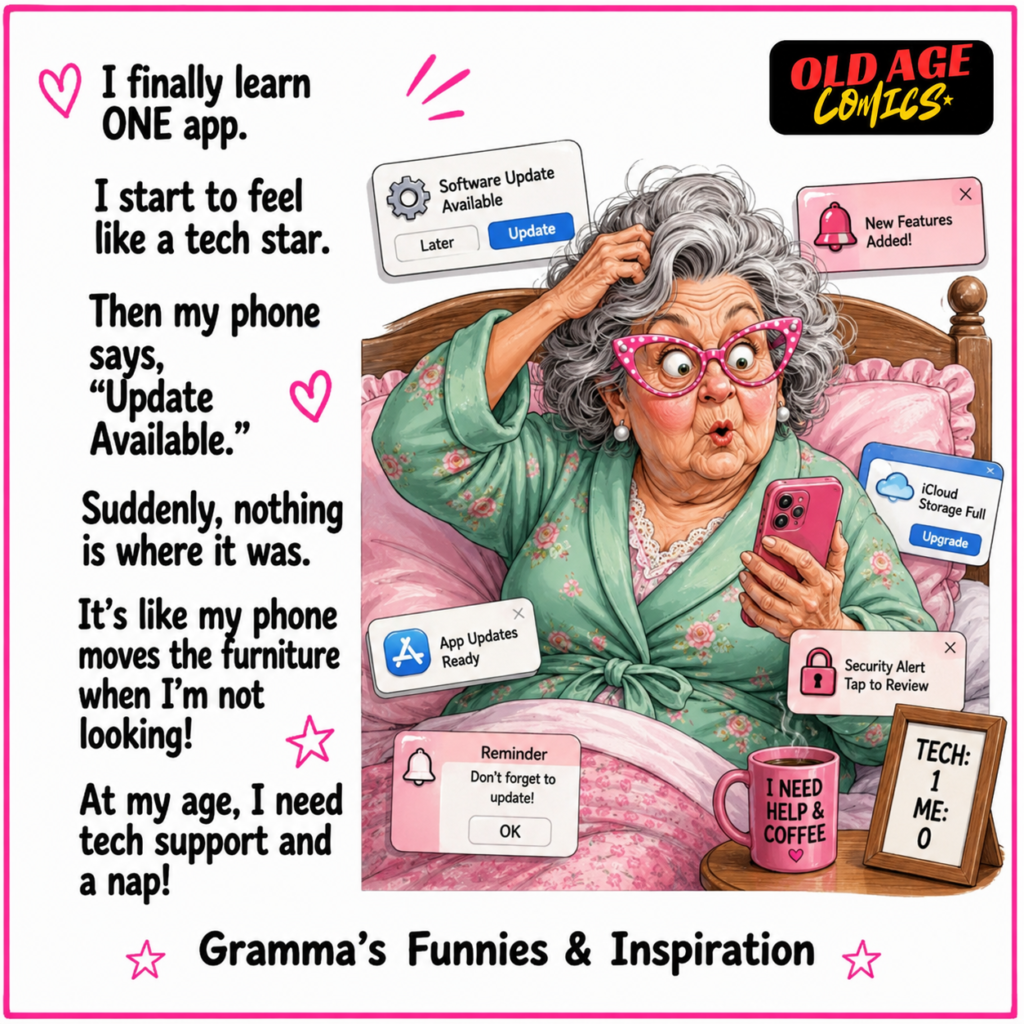
#5. Finally learns one app, then the phone update changes everything
In a funny twist, grandma learns one application and becomes a tech celebrity. Then all of a sudden the phone notifies you of an “Update Available” and all changes. Buttons move, icons change, she’s confused once more. This comic depicts a true concern of older adults. Changes may be helpful, but may also cause confusion to those who recently learned the old layout. The awareness is that family members should update and inform their seniors and show them new changes gradually and gently and remove unnecessary apps.
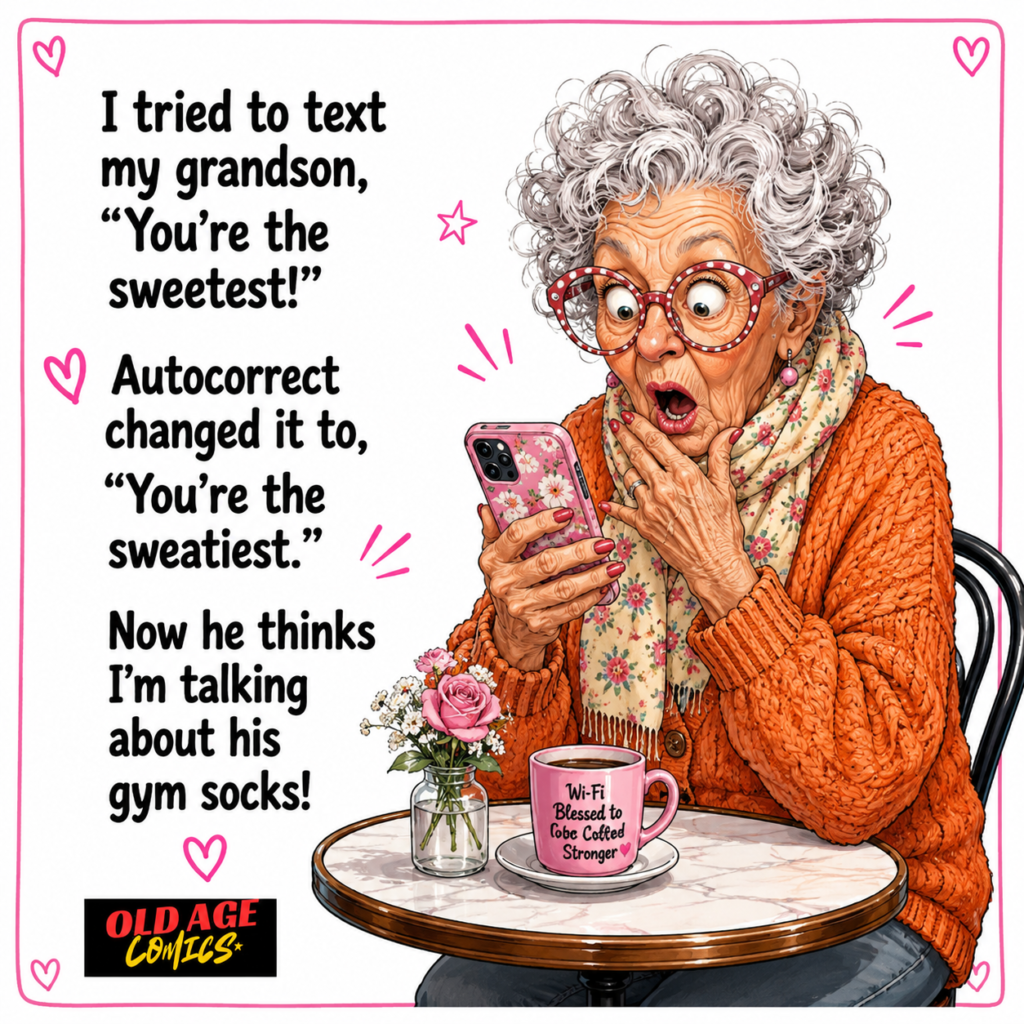
#6. Sends a sweet text, but autocorrect turns it into a funny mistake
The cartoon depicts grandma using an autocorrect function on her phone to send a loving message to her grandson but the phone makes it hilarious. She is going to say “sweetest”, but the phone says “sweatiest”. Now she suspects her grandson might think she is referring to gym socks. This is a fun and simple situation. It brings awareness that autocorrect can be embarrassing for seniors. Parents should help teach them to read through messages before sending, to be careful using voice typing, and not be too concerned if there is an incorrect funny mistake.
#7. Needs the flashlight but keeps opening the camera instead
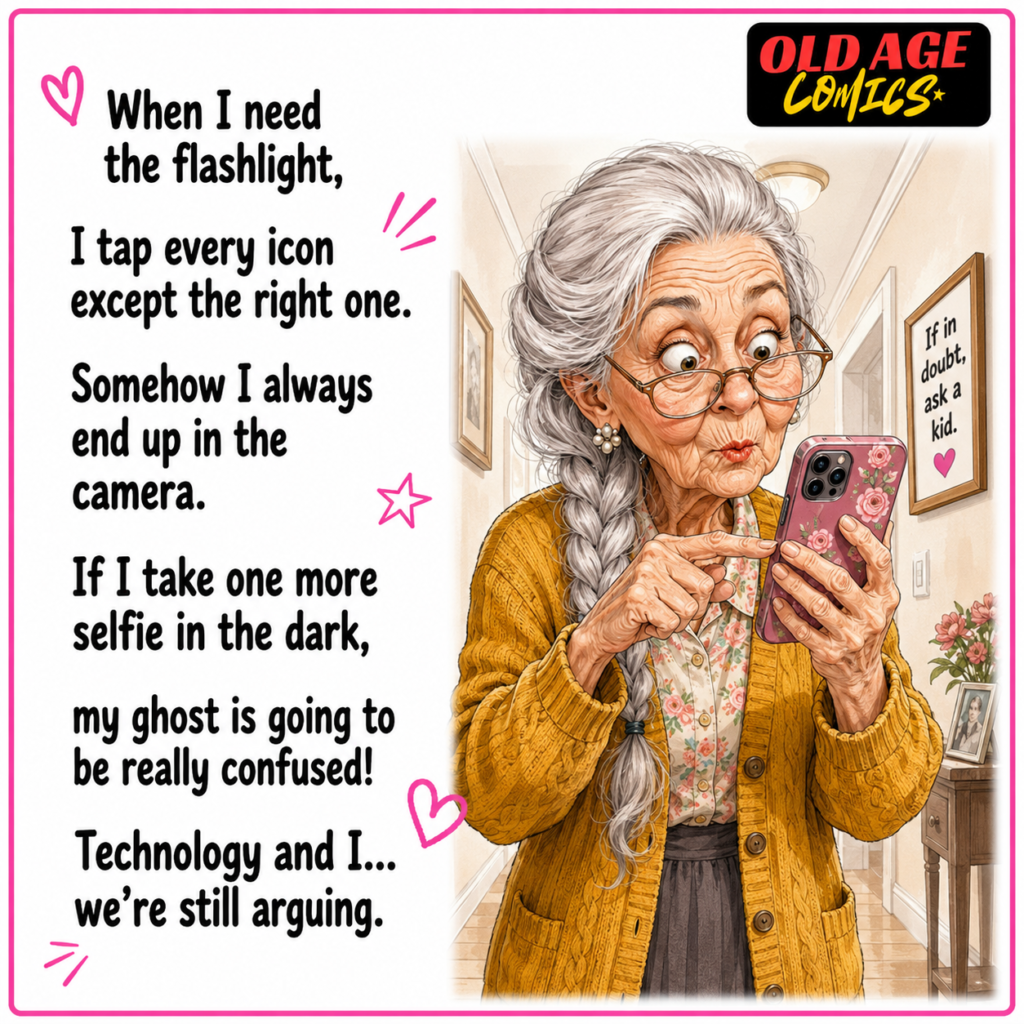
Another comic depicts grandma attempting to switch on a flashlight and she just goes on opening that camera all the time. All of the icons are alike, and the phone is a little puzzle in her hand. That’s funny as many people accidentally click on the wrong app. When icons are small or not distinct, this is more challenging for seniors. In this comic, I gave wareness message that important tools such as a flashlight, call, messages and camera should be on the home screen. Clean phone layout makes it easier for age women to use technology.
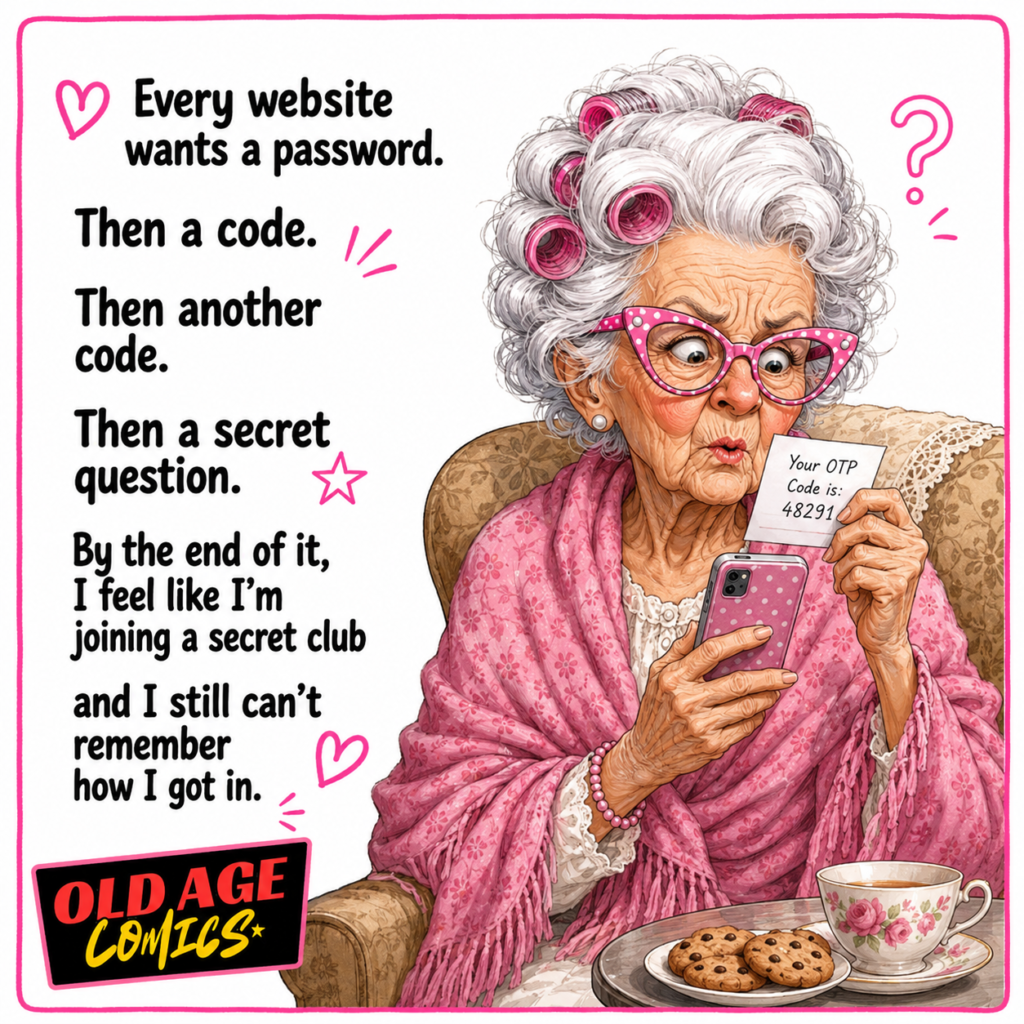
#8. Feels like every website is asking her to join a secret club
In the next comic, each website requests that grandma give them a password, then a code, then another code, then a secret question. She thinks she’s going into a secret club, but can’t recall how to get in. This is a hilarious example of people’s misunderstanding of online security. It provides an awareness of OTP codes, two-step verification and safe login practices. OTP codes should never be shared with strangers by seniors. They also require assistance in determining which codes are okay and which ones are possible scams.
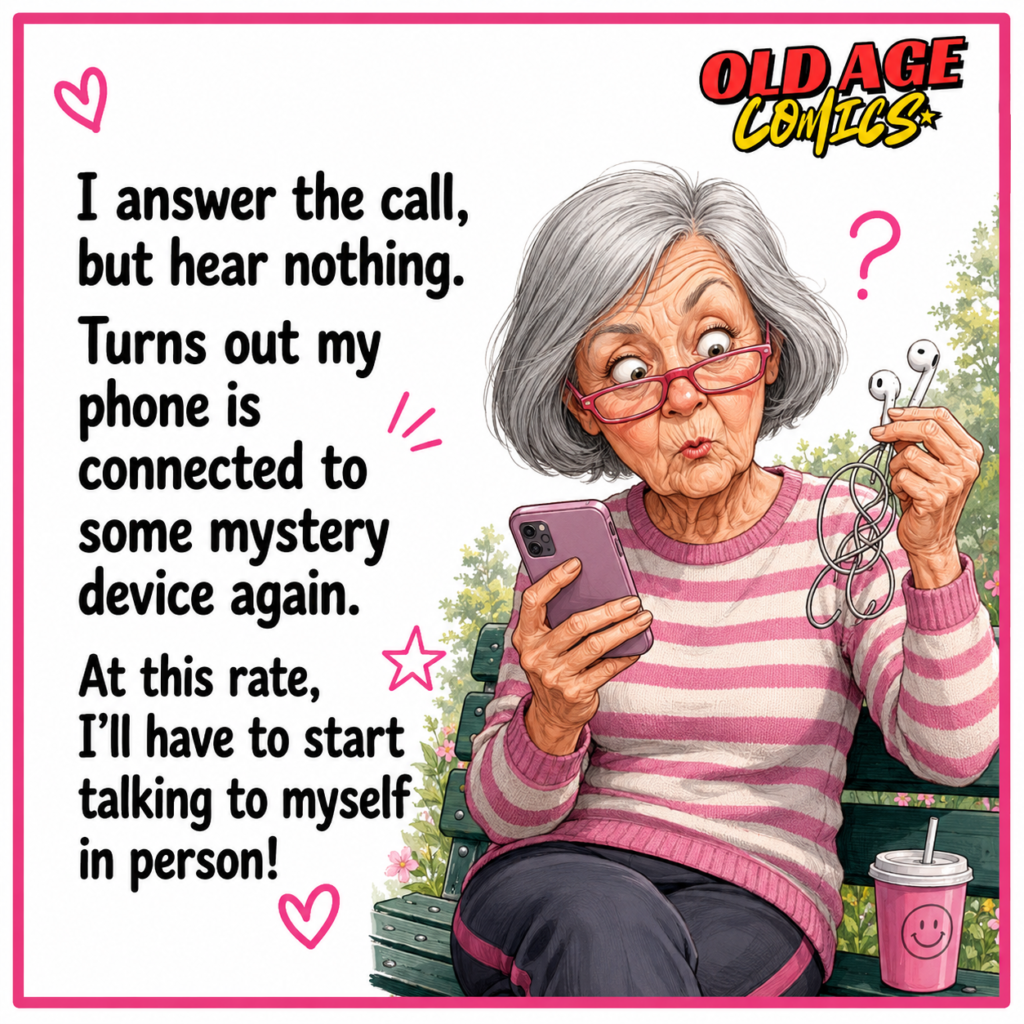
#9. Answers the call but the sound is hiding in some mystery device
In another comic Grandma receives a call but no one calls back. Then she discovers the telephone is linked to some secret gadget, possibly earbuds or Bluetooth. This is very prevalent these days. The phone can be connected to a car, to speakers or to headphones, but the user does not know this. The comic is funny because grandma cannot hear anything anymore. The awareness message is that seniors should become familiar with volume, speaker mode, Bluetooth, and earbuds. These micro-lessons can help prevent a lot of confusion.
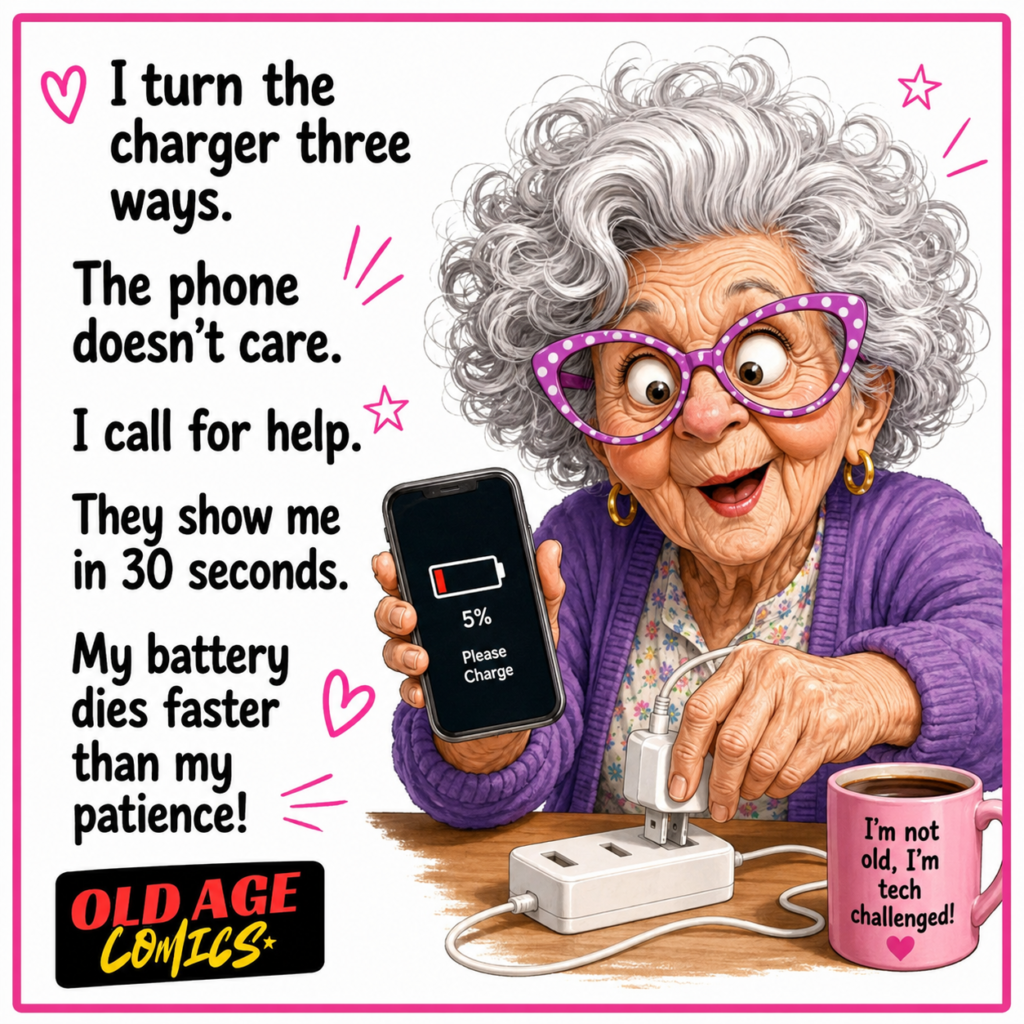
#10. Fights with the charger while her phone battery gives up first
In this comic, grandma tries to plug in the charger in three ways. The phone, however, does not seem to care about any of these attempts. Her battery is low, and so is her tolerance level. The joke brings out an everyday issue. Many elderly people have problems with charging cables, ports, adapters, and low battery signals. The awareness in this comic strip is that use chargers that hold themselves in place, magnetic cables, or labeling. Have your charger in a specific place each day.
#11. Face ID does not recognize her with or without glasses
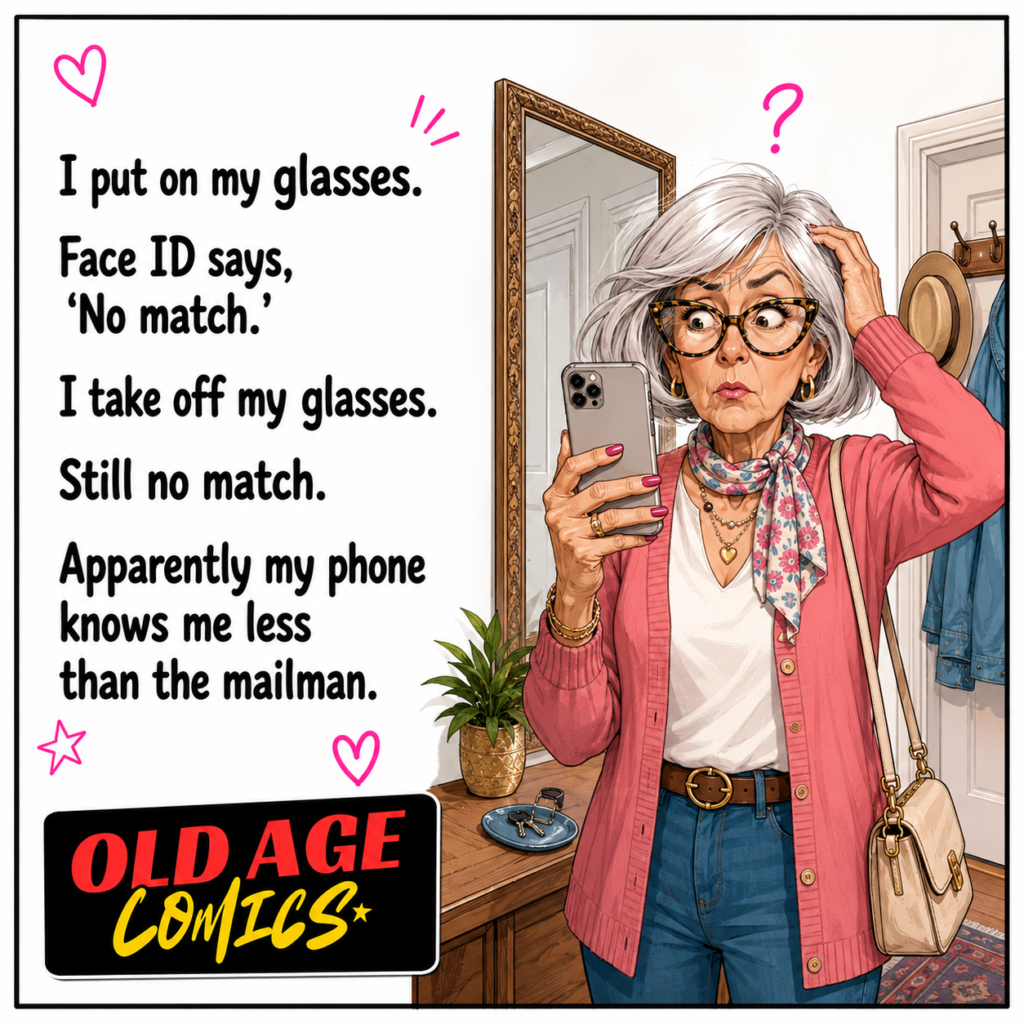
Grandma puts on her glasses, and the telephone says, “No match.” She takes them off her glasses and still no match. Now she takes a bit of a joke from her phone, which she says knows her less than the mailman. The reason this comic is funny is that face recognition is often incorrect due to lighting, different angles, glasses, and a change in hair color. The message of the awareness is that seniors should make sure to set up Face ID correctly, use alternate appearance if available, and have a backup passcode. The convenience shouldn’t be a stress.
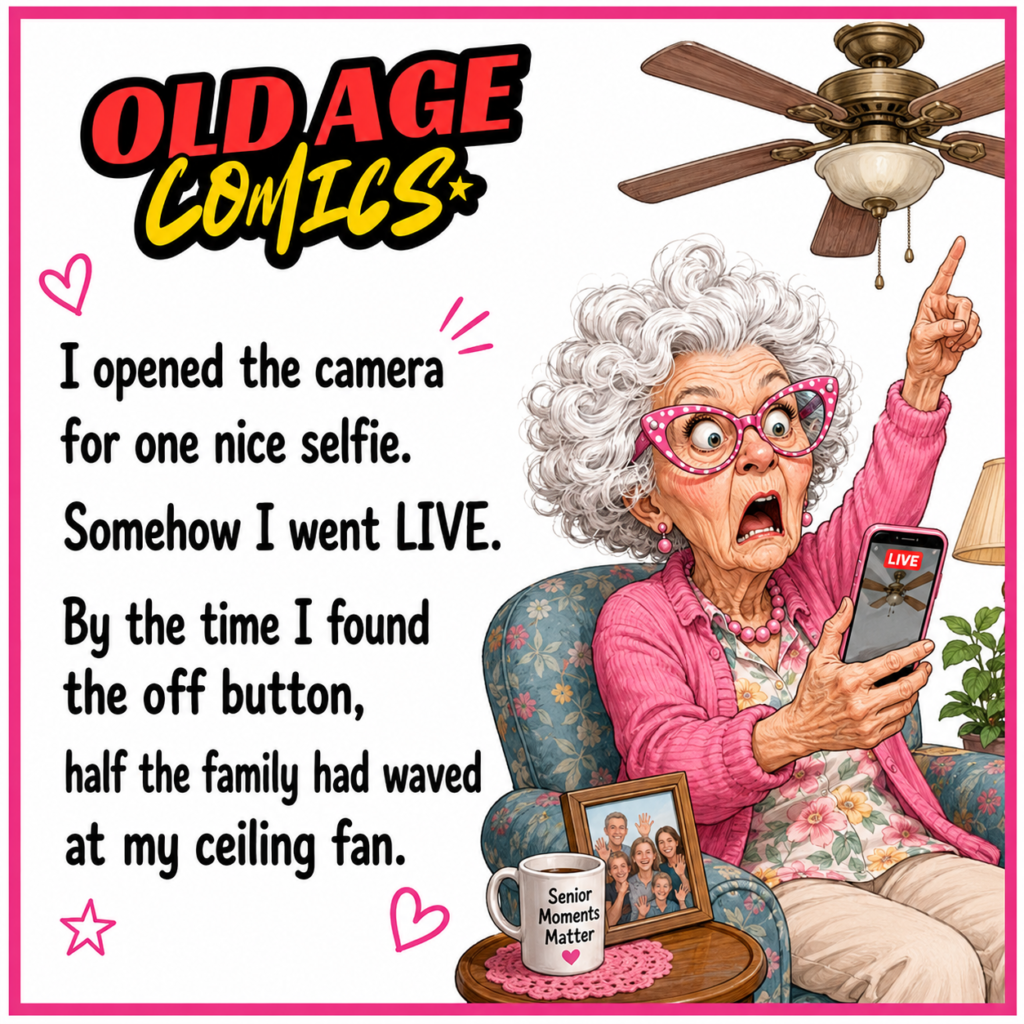
#12. Grandma tries one selfie and accidentally goes live to the whole family
In another comic, grandma opens the camera for one nice selfie but somehow she goes live. When she finally reaches the off button, half the family has waved to her fan. This is really a funny thing, but it also conveys a good awareness message. Seniors can accidentally click buttons, both live, story and video, on social media. Families should instruct privacy settings and discuss the meaning of “live”. It’s also a good idea to keep social apps easy to use and disable features that aren’t being used by seniors.
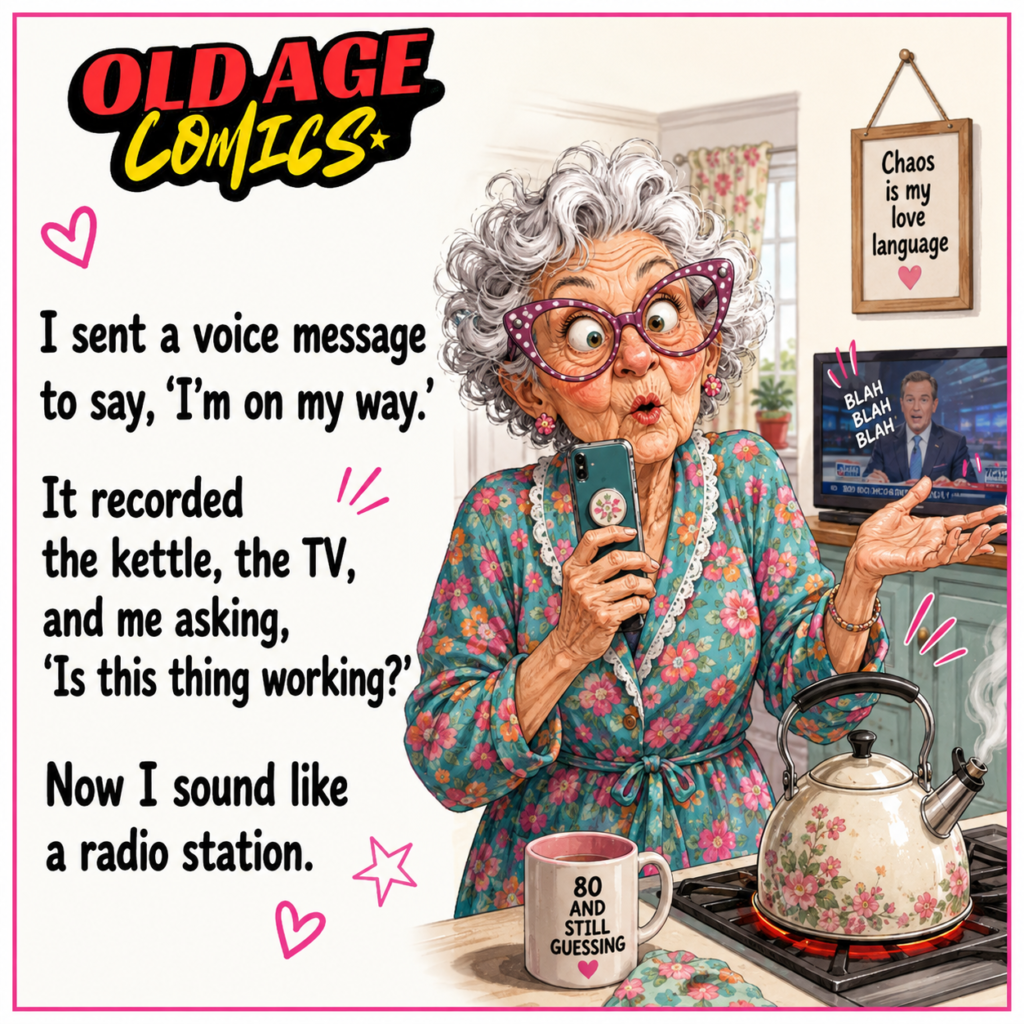
#13. Grandma’s voice message records the kettle, TV, and all her confusion
The voice message comic is for grandma to send a message to let you know she is on her way. But the phone records the kettle, the TV, and her saying, “Is this thing working?” Now she sounds like a radio station. This is a rather humorous and light affair but there is a lesson in here. Voice messages are simple, but it’s important for seniors to know where to begin and end. They need to make a practice of sending a voice note message. They can also teach families how to delete and re-record before sending.
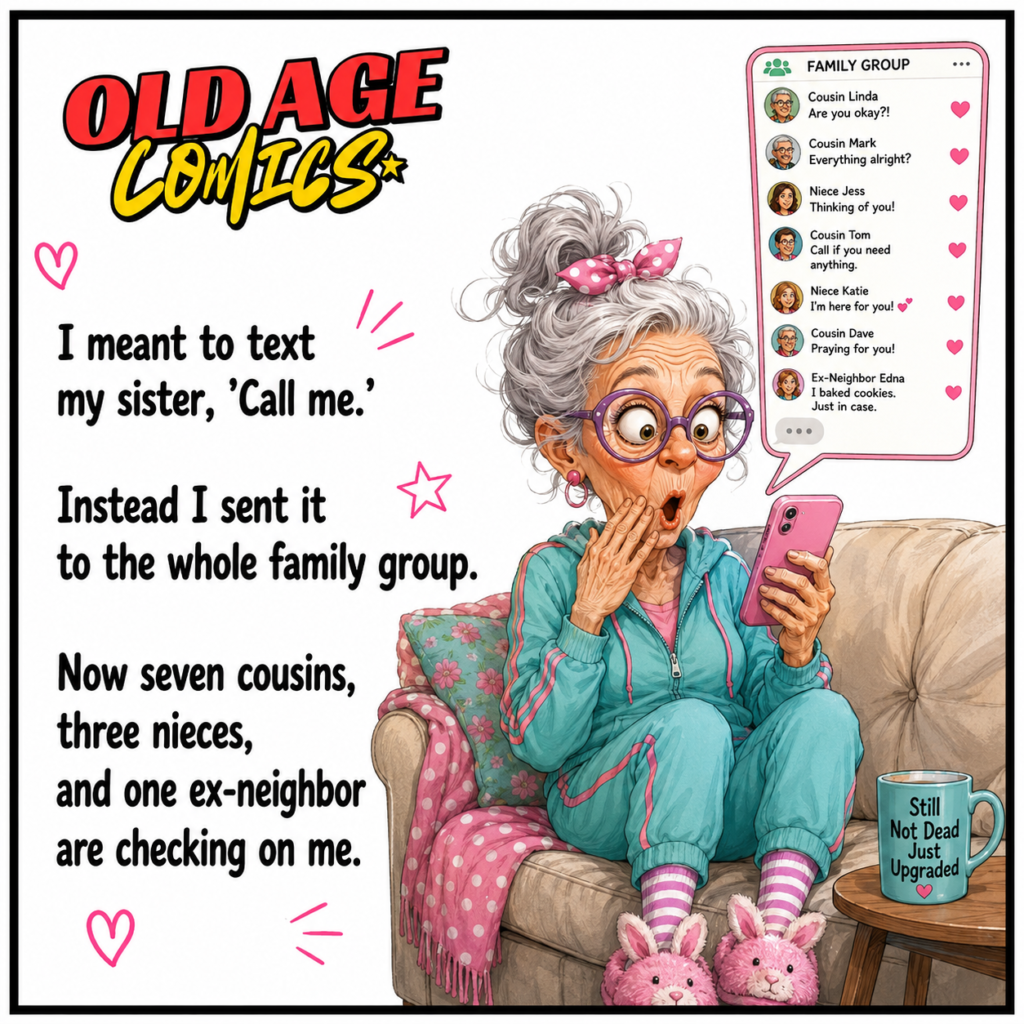
#14. Sends one message to the whole family and everyone starts worrying
In another comic grandma is about to send a text message to her sister. Rather, she takes it to the entire family group. There are now three nieces, three cousins as well as even an ex-neighbor keeping an eye on her. Funny, family groups become very active very quickly. The concept of awareness is that aged people should know the difference between private chat and a group chat. Groups should be clearly named, contact photos should be simple and seniors should learn to verify the receiver name before sending.
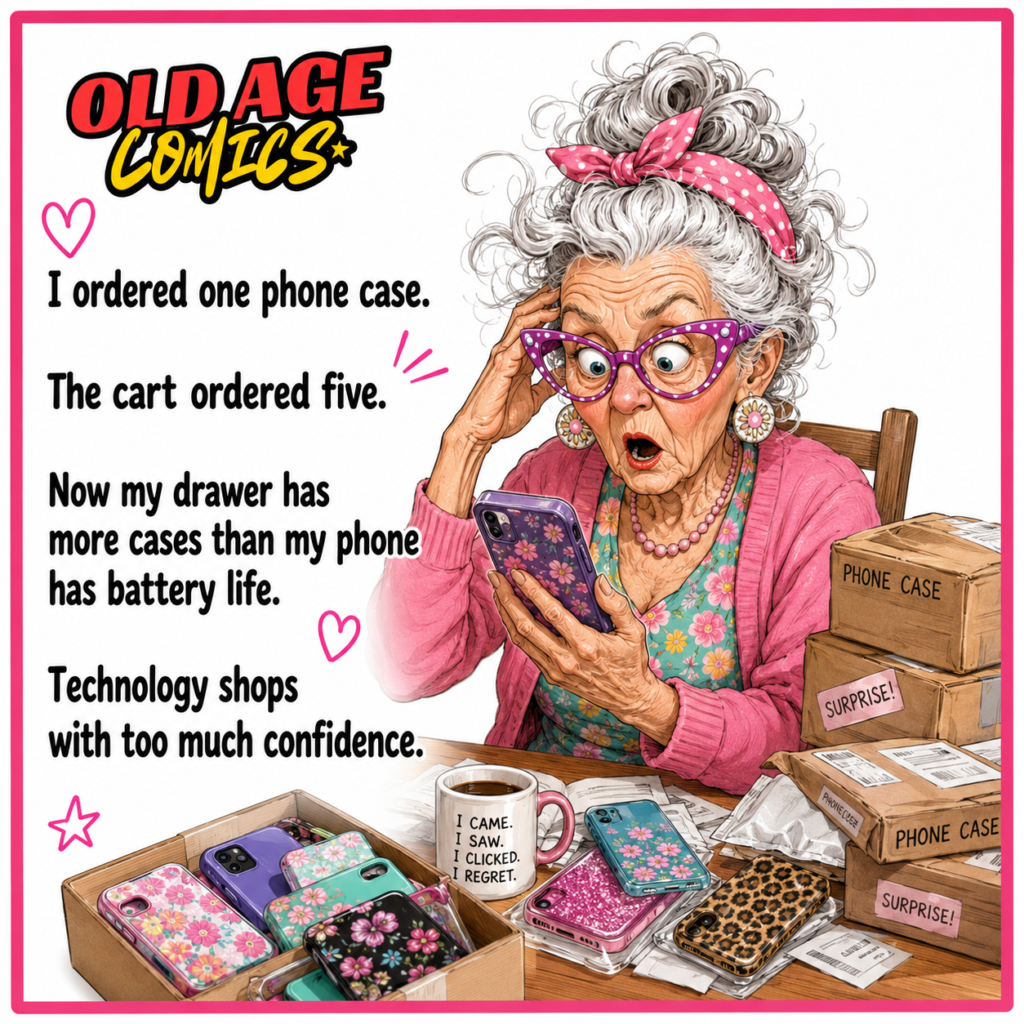
#15. Orders one phone case but technology sends her five surprises
The online shopping comic has grandma ordering one phone case, but the online shopping cart orders five phone cases. Suddenly packages come in and there is more phone cases than there is battery life in her drawer. This comic is funny plus informative of shopping digitally. Extra items, incorrect buttons and not checking the end cart are all things that many older people may do by accident. They should be educated to verify orders, confirm quantities, never save cards on a stranger’s website and only purchase from reputable online retailers.
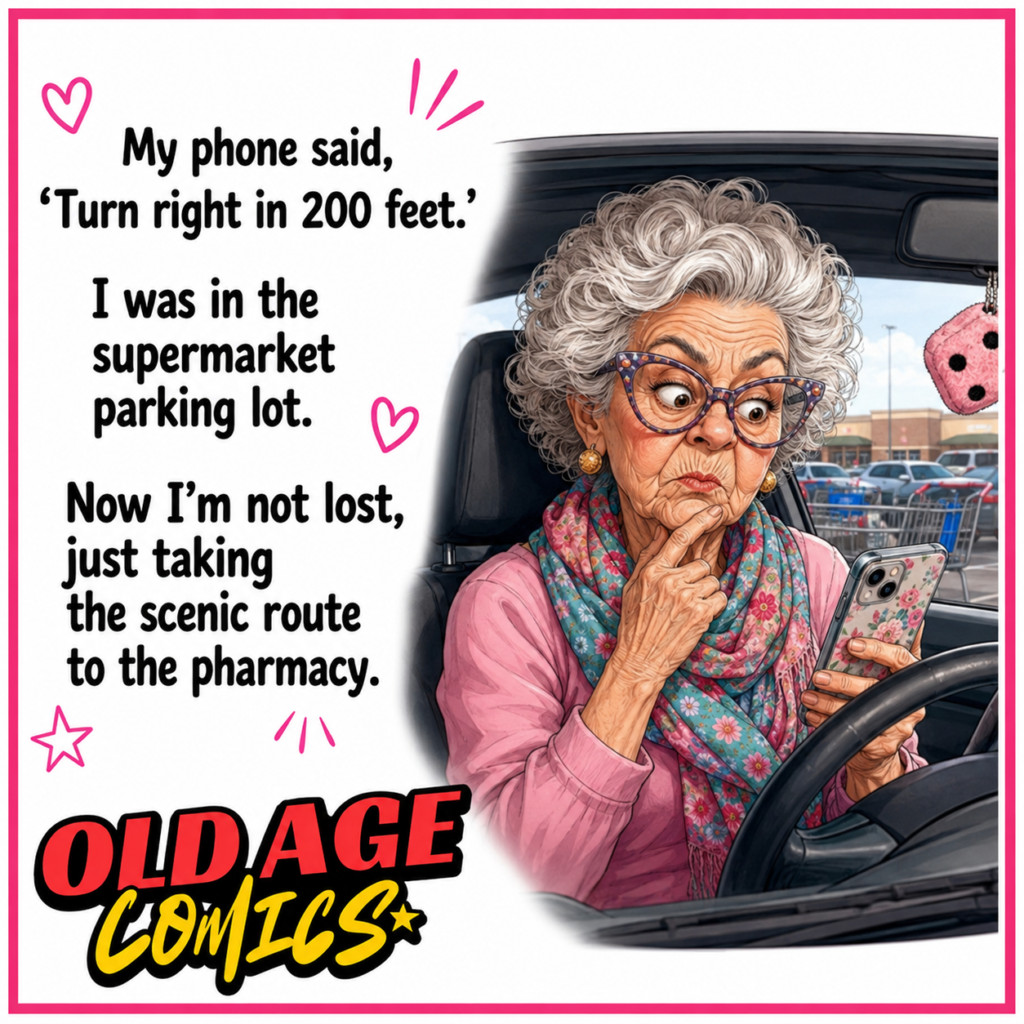
#16. Follows phone directions and takes the scenic route in the parking lot
This navigation comic depicts grandma inside a supermarket parking lot, with her directions box reading, “Turn right in 200 feet.” She is not lost, just taking the scenic route to the pharmacy. This is a sweet and funny way to express map confusion. GPS apps are useful but can lead seniors to arrows and feet, rerouting and voice controls. The awareness message is to learn to begin navigation before getting behind the wheel, secure the phone safely to the vehicle, and not hold the phone while driving.
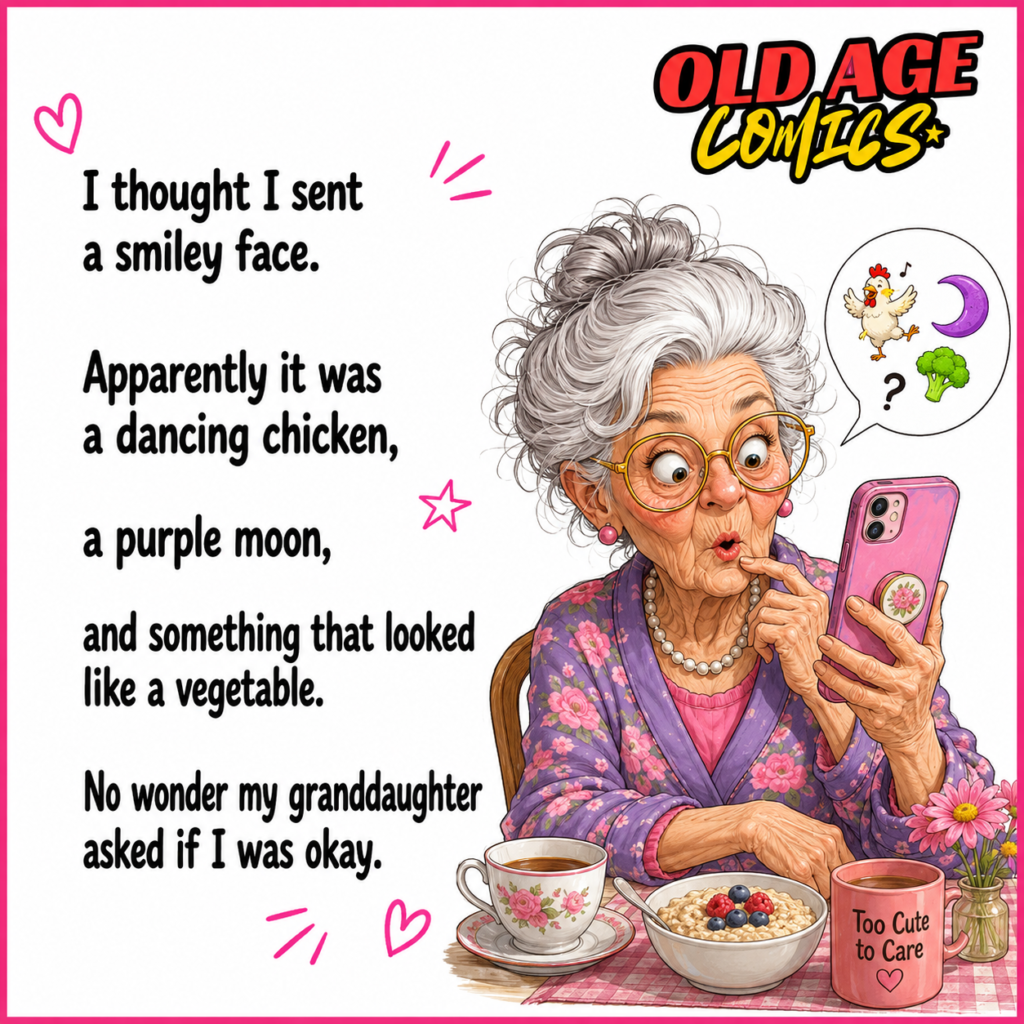
#17. Sends the wrong emojis and makes her granddaughter worried
Another comic has grandma attempting to send a smiley face, but she ends up sending a dancing chicken, a purple moon, and a vegetable. Her granddaughter asks her if she’s okay. This is amusing because the emojis can be bizarre and perplexing. Not all seniors are familiar with the meaning of each of the symbols. The postive message is that emojis are a lot of fun but can lead to misinterpretation. Families can discuss basic emoji such as a smiley face, a heart, a thumbs-up and a laugh. Simple communication is better than confusing symbols.
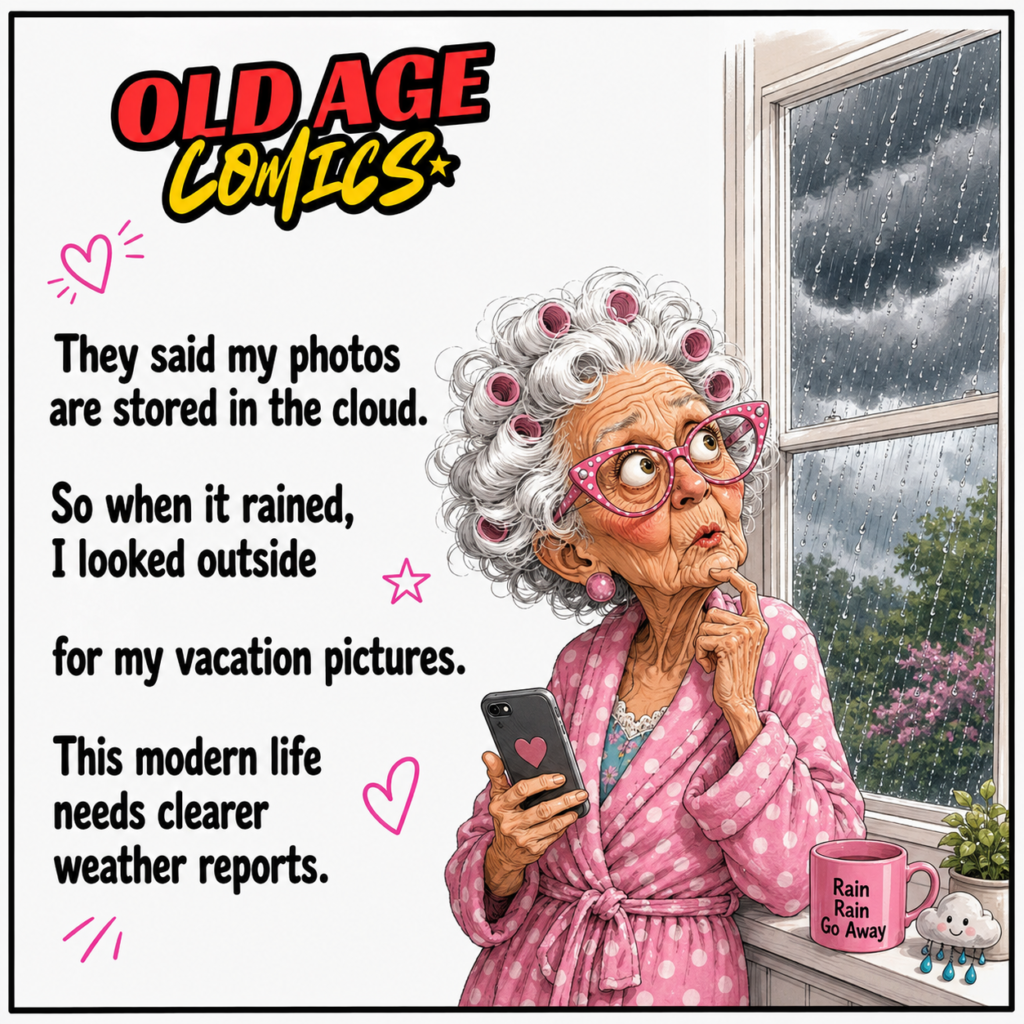
#18. Thinks cloud storage means her photos are hiding in the rainy sky
In the comic about cloud storage, grandma gets news that her pictures are in the cloud. When it rains, she checks out the photos of her vacation outside. It is very funny as the word cloud sounds like the actual sky. It also inculcates digital awareness, though. It is important for seniors to remember that cloud storage is not weather clouds but rather it is online storage. Families can talk to them about it in simple terms, such as photos are kept safely on the internet and if the account is right, they can be opened from another device.
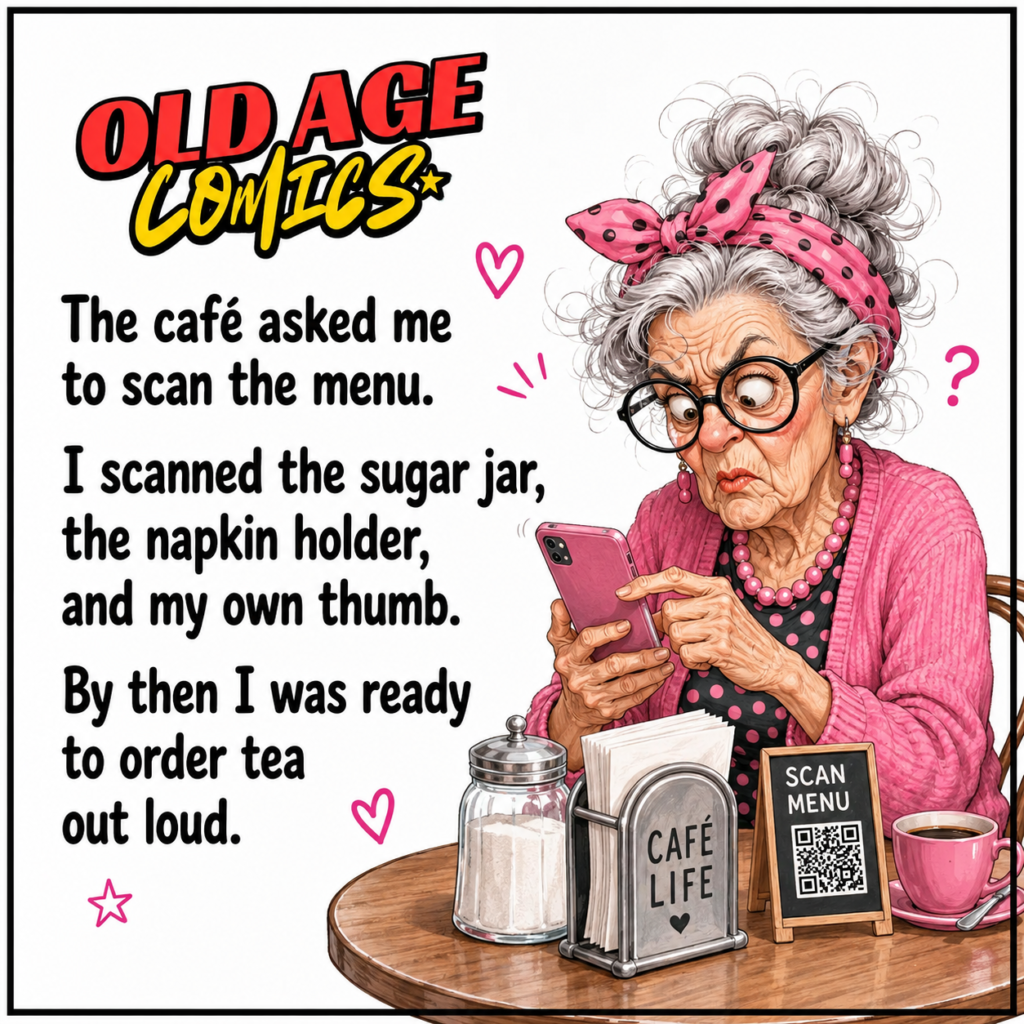
#19. Tries to scan the café menu but scans everything except the menu
In other comic, grandma at a café attempting to scan QR code menu. She looks at the sugar jar, the napkin holder, and even at her thumb. She is able to call out tea orders by that time. This comic is funny because a lot of cafés now have QR menus but not everyone is comfortable with a QR menu. It provides awareness that companies should have simple choices for older consumers. Printed menus, friendly staff, and QR instructions will make public technology more palatable for all ages.
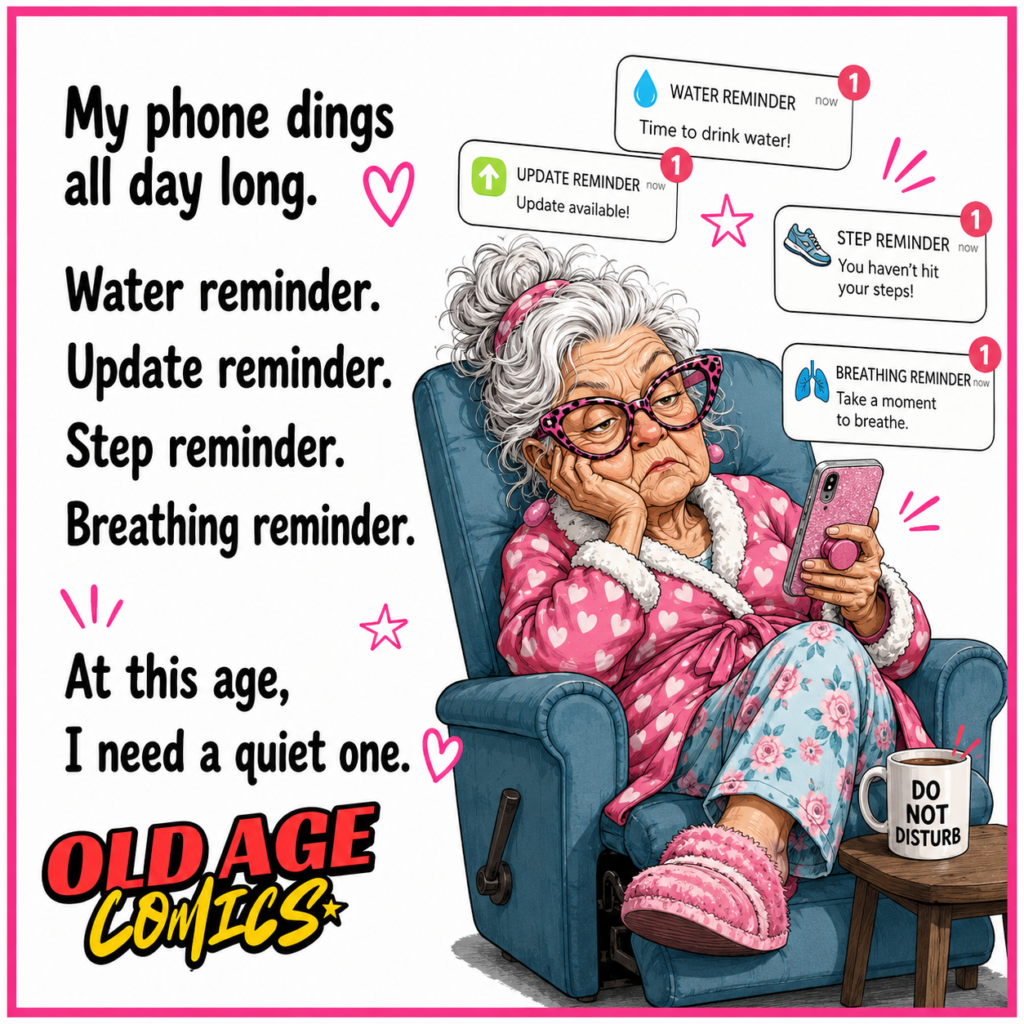
#20. Grandma’s phone reminders keep ringing until she needs a reminder for peace
In the final comic, grandma’s phone is beeping throughout the day while she’s sitting in a sofa. All reminders want to be looked such as water, update, step, breathing. She’s just a little young to need a reminder. This comic isn’t just funny, it’s very real. An excessive number of reminders may cause stress for seniors. The awareness message is that phones should be peaceful, not noisy. Families can go in and silence useless alerts and only receive alerts for things that are important to them, like calling, medicine reminders, emergency contacts or messages from family.
The message of every one of these old age tech comics is the same is that technology is good but should be kind and easy for seniors. His grandmother’s peculiar issues with her phone make us smile, but also teach us to be patient and understanding with older women. Share this blog and leave a comment in the comment section. Check out our website for more funny old age comics, grandma stories and simple awareness posts. You can even find more by clicking this, this, this and this.
Share this content:
